Every consultant, one calendar.
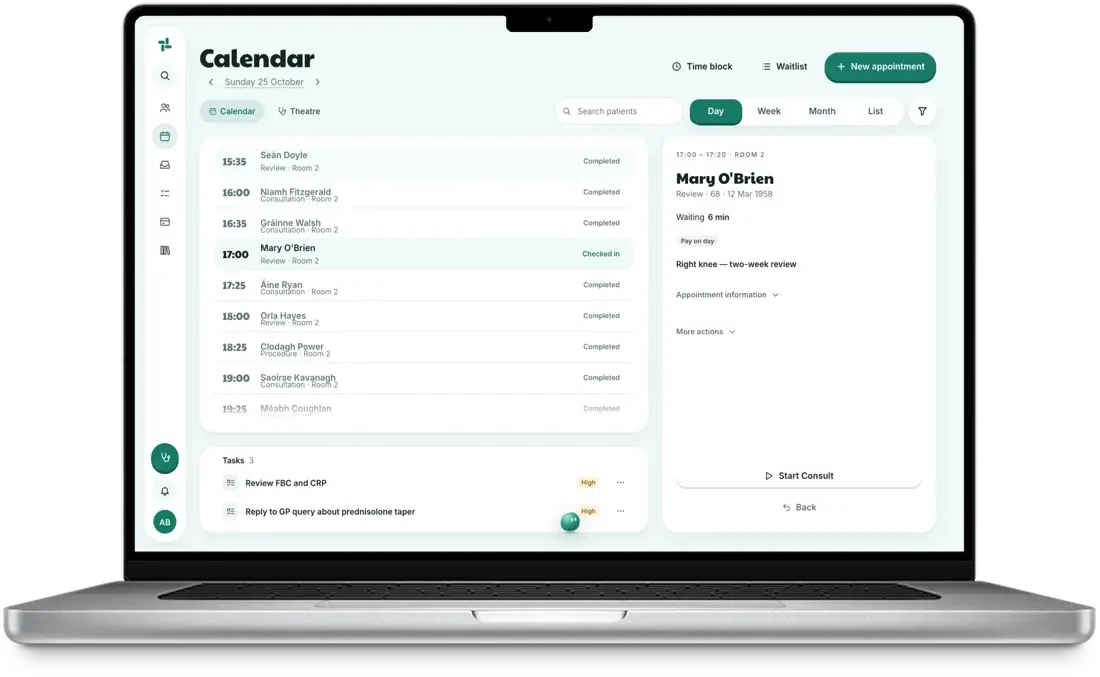
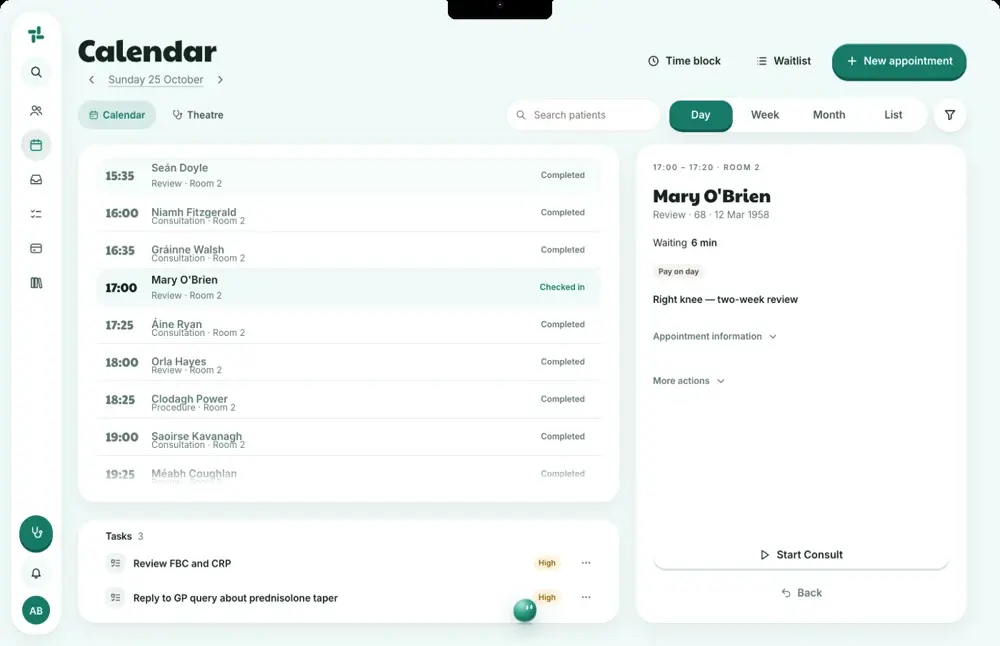
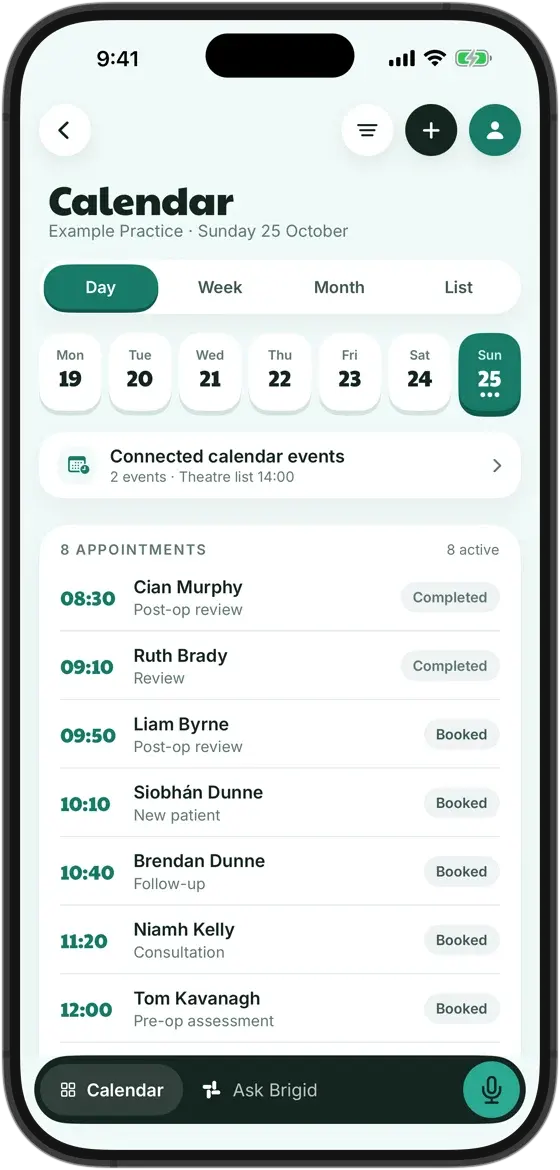
CalendarSay who and when. The slot is found, and your secretary presses Book.

Ask Brigid for Mac, Windows and iPhone
Hold ⌘D and talk into any field. The companion panel sits beside whatever else you have open.
What it takes on
Each one is prepared for you and waits for your team to check it. Nothing goes out without a person.
Say who and when. The slot is found, and your secretary presses Book.
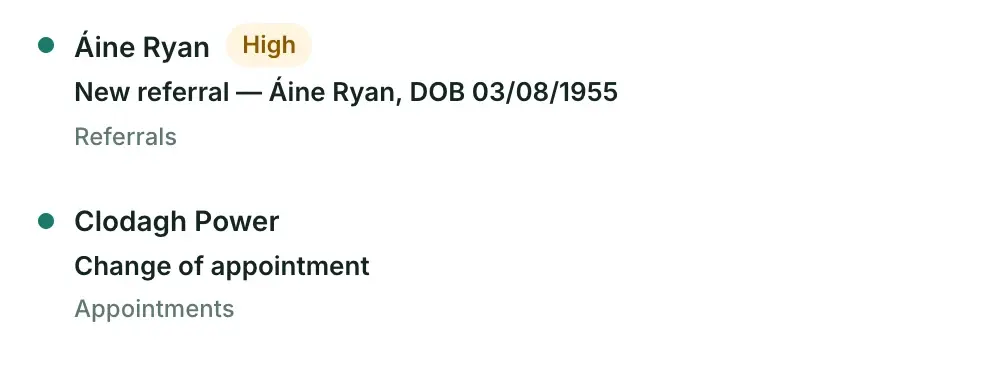
One inbox, sorted before your team starts the day, with a task for each item that needs you. Nothing goes out without you.



The invoice opens filled in from the note, and the patient pays by card from their own phone. For anything overdue, the reminder is ready; your team sends it.

Open the patient and the whole picture is there, with no tabs to go through.
Why the desktop app
Hold the key and talk; the words land where your cursor is: the note, the letter, the email. You correct and sign.
Notes, Calendar, Inbox and Tasks in a slim always-on-top panel beside whatever else you have open.
Sign in once. The app checks for updates on launch, every six hours and when you come back to it, and installs them itself.
The short answers.
No. It is the same practice, the same records and the same sign-in, in a window of its own, with the desktop extras above. Anything you do in one shows in the other.
No. The desktop apps are installed from askbrigid.com. On a Mac, open the DMG and drag AskBrigid to Applications; on Windows, run the installer. No administrator password is needed.
Until our Windows certificate has built up reputation with SmartScreen, Windows warns about new installers. Choose More info, then Run anyway. The dialog is about how new the installer is, not about what is in it.
Where it always does: primary records in AWS Dublin (eu-west-1). Dictations recorded while offline are encrypted on the device and uploaded when you are back online.
No. Bookings, letters, emails and invoices wait for someone at the practice to press the button.
Not ready to install? The sample practice runs in the browser on invented patients. Nothing is sent, booked or filed until you say so.